Check PC compatibility
Check PC compatibility. Compare the information published for the exact item and keep the product name or SKU for reference.
$30.00
Free standard US shipping
Contiguous 48 states & DC · 4–7 business days total
30-day returns
Merchant-paid return shipping. Read the policy
Questions about this item? [email protected]
Product brand: Gateron
The details
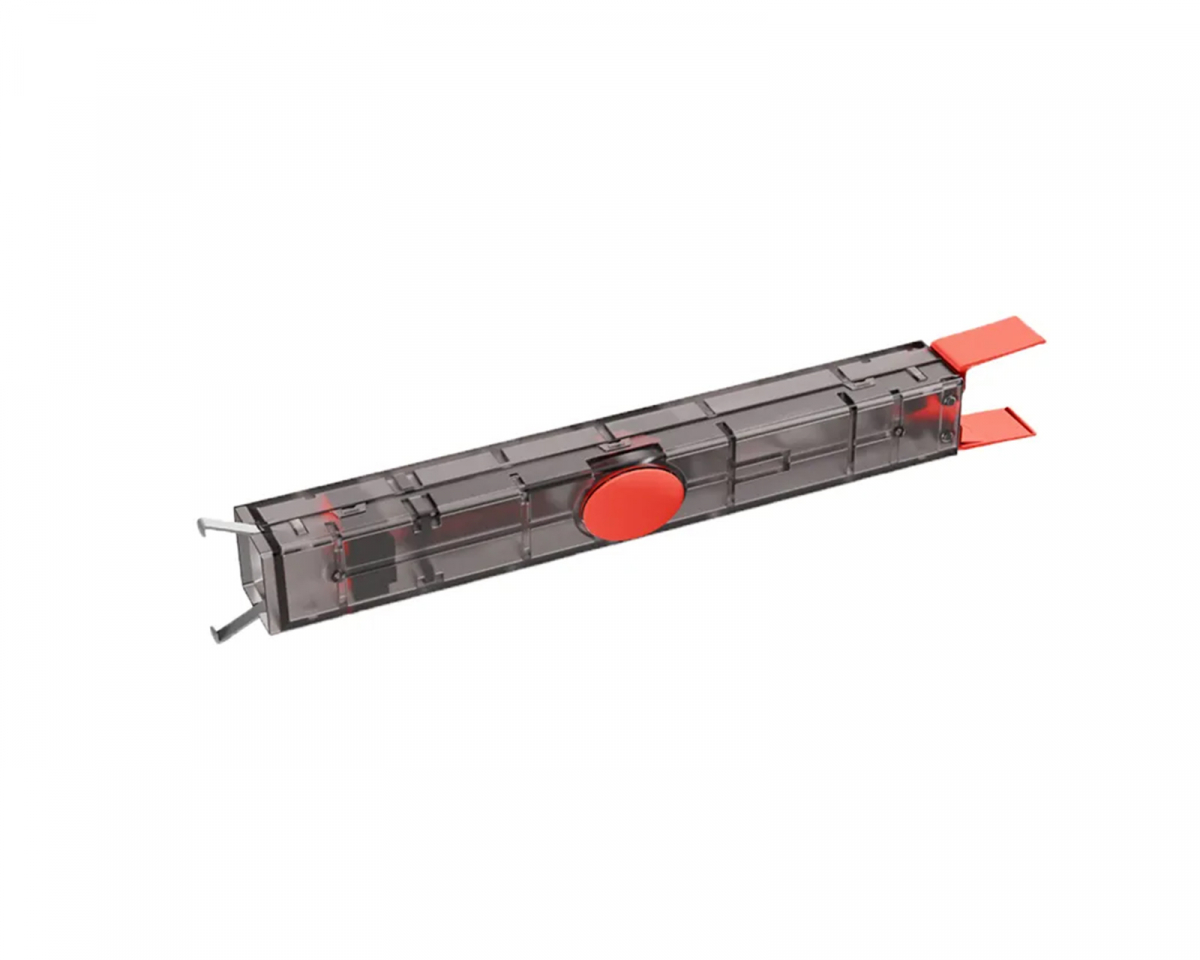
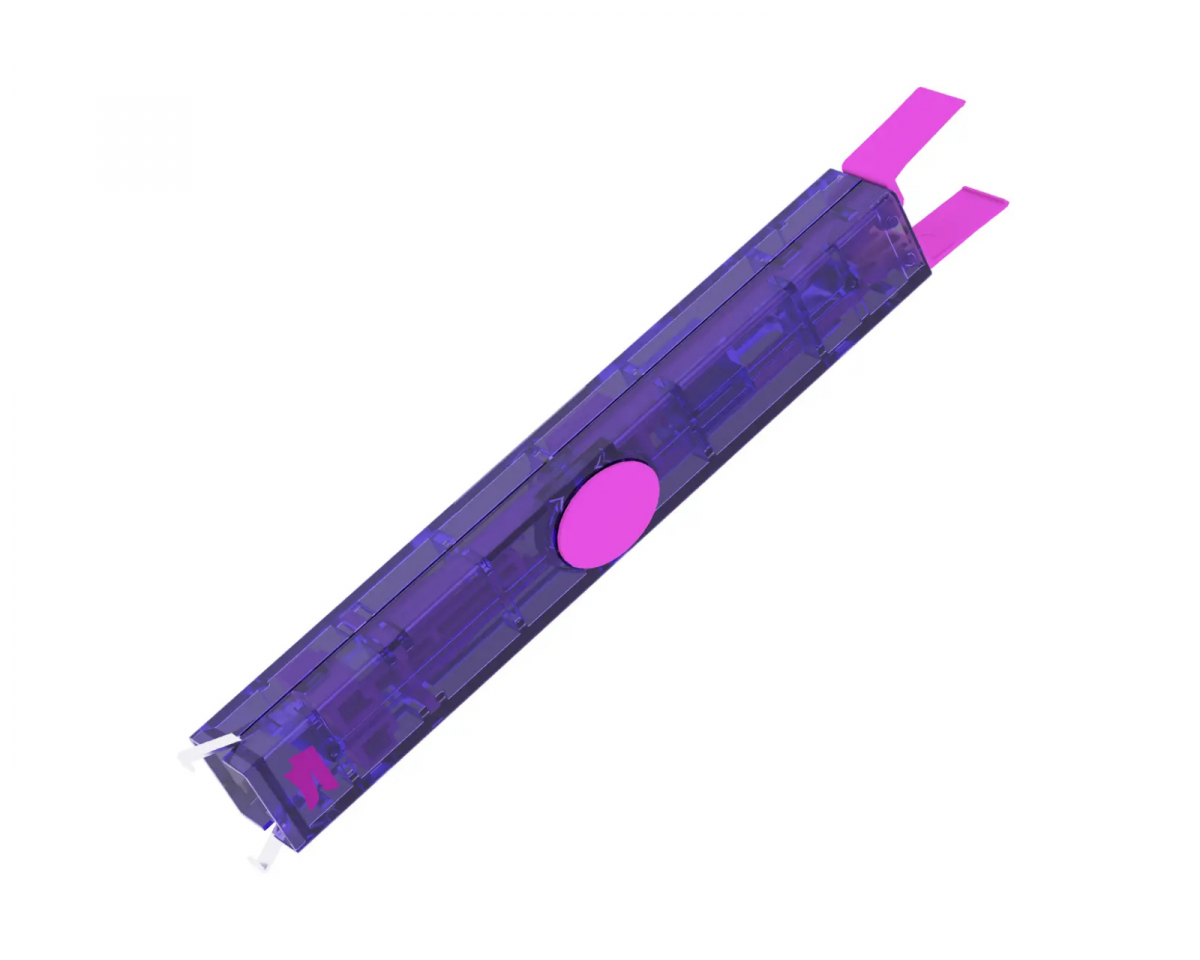
Easily upgrade your keyboard setup with the Gateron Twins Switch Puller and Keycap Puller. This versatile 2-in-1 tool is designed to simplify keyboard maintenance while combining precision and efficiency in a sleek, ergonomic design. Crafted with a PC material housing and rectangular shape, it sits firmly and comfortably in the hand, making it easy to hold and use. Whether you're pulling switches or keys, this tool works with precision and gently locks them in place for a smooth removal process.Thanks to the elastic mechanism inside, it easily pulls off switches without them slipping or falling off. The intelligent design keeps the components securely in place and saves you the hassle of searching for lost parts. With its ergonomic mechanism, a simple push makes the switch or key release smoothly, increasing efficiency and reducing effort.Perfect for keyboard enthusiasts and beginners alike, the Gateron Twins Switch Puller is a must-have for anyone looking to customize or clean their keyboard without the hassle.With this tool you no longer need two different pullers for switches or keycaps. It is designed with convenience, flexibility, and durability for easy and quick switch or keycap removal. Comes in a stylish black transparent casing with red details. Buy your Gateron Switch & Keycap puller and make your keyboard building a little more comfortable.
Know the fit
Choose & use with care
Check PC compatibility. Compare the information published for the exact item and keep the product name or SKU for reference.
Compare layouts and fit. Check the selected listing and variant, including the supplied components before ordering.
Review included cables and parts. Use the directions supplied for your selected item. Contact support if an important detail is missing.
Follow the instructions supplied for the exact product. Features, limits and care directions are specific to the selected model.
Order preparation takes 1–3 business days, followed by 3–4 business days in transit: 4–7 business days in total. Standard shipping is free to the contiguous United States and DC, with no minimum order.
Request a return within 30 calendar days after delivery. We pay return shipping. After receipt, inspection and initiation of an approved refund take 5–7 business days.
Before you decide
Check PC compatibility. Read the actual item description, included parts and options. The collection contains different models; a feature stated for one item should not be assumed for every product.
Compare layouts and fit. Compare the dimensions and compatibility stated for the selected item with the space or equipment you intend to use. If a required measurement is absent, send the product name or SKU to [email protected] before purchasing.
Available choices are shown on the individual product page. Select the actual option labels before adding a variable product to your cart. Photos and specifications should be read together with that choice; availability is specific to the selected configuration.
Review included cables and parts. Follow the instructions supplied for the exact model. Do not assume that all items have the same materials, installation method, care directions or intended use.